

Design your own screen
Start from a layout, then drag the cards on the screen to where you want them.
Your car
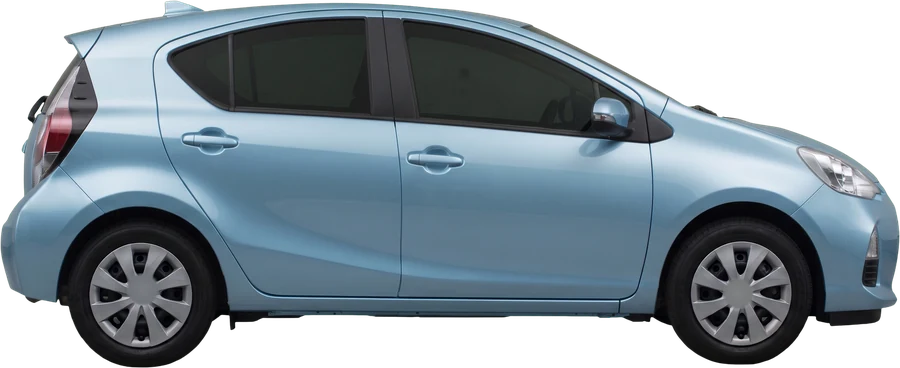
Side view, both wheels showing. The background is removed here in your browser; the photo is not uploaded.
Background
No town by that name.
A wide photo works best. It stays in this browser until you build your APK.
Road starts here
Drag the photo so the ground meets the line. The road and your car cover everything below it. At night the photo is dimmed.
A plain sky in your own colours.
Arrange
Drag a card on the screen. Untick one to hide it.
Apps in the dock 8 of 8
Stickers, logos and text 0 of 4
Preview
This is how the screen looks on the road.
DriveGet your APK
Installing is the same as the standard app: see the guide.
Not in the studio yet: shapes, rotating things, accounts.